Artwork Templates

Download templates to set up your design quickly and avoid delays.
Popular Templates

Start with these most used fles.

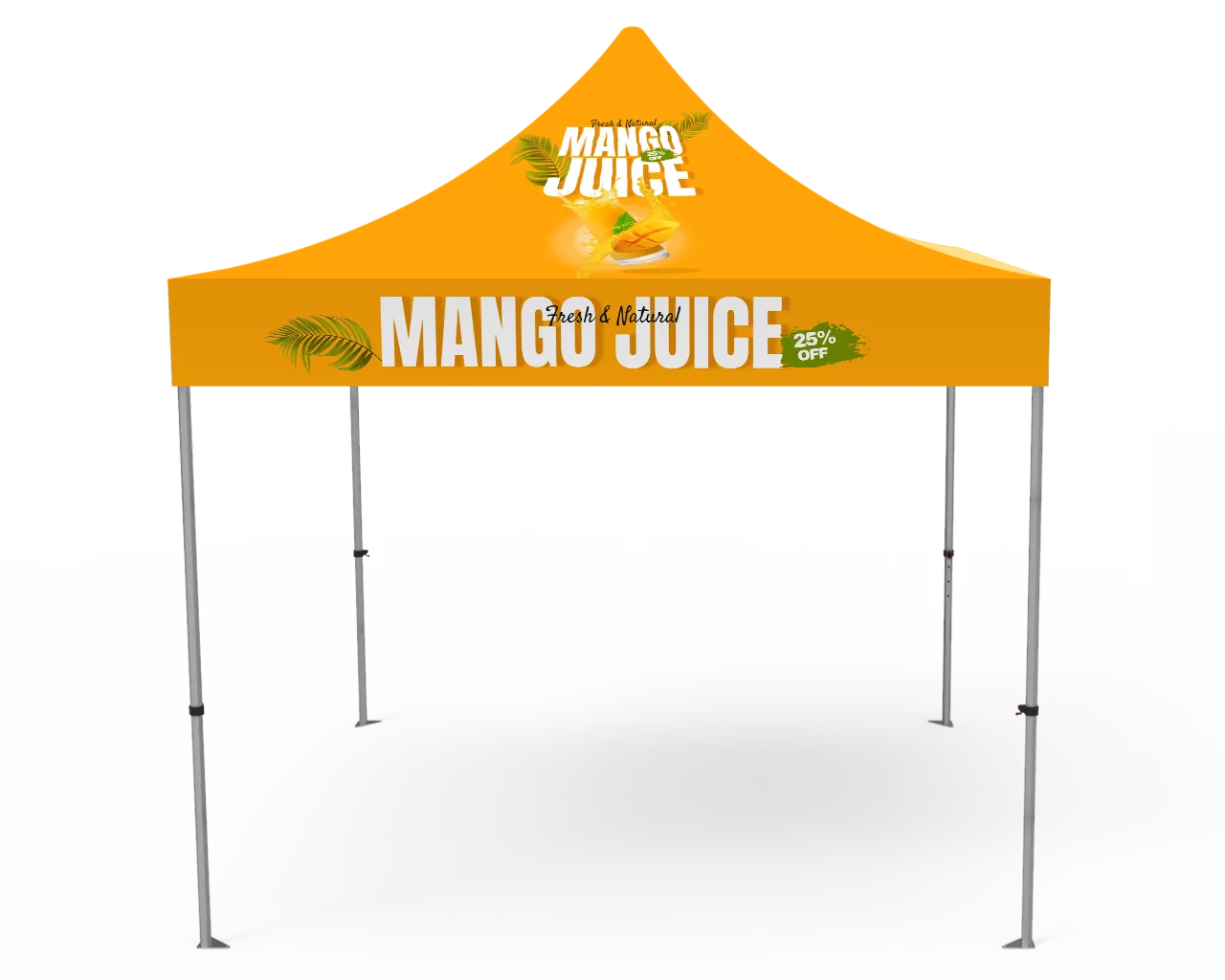
10x10 Canopy Tent Top Template

Al /PDF · Bleed + safe area included

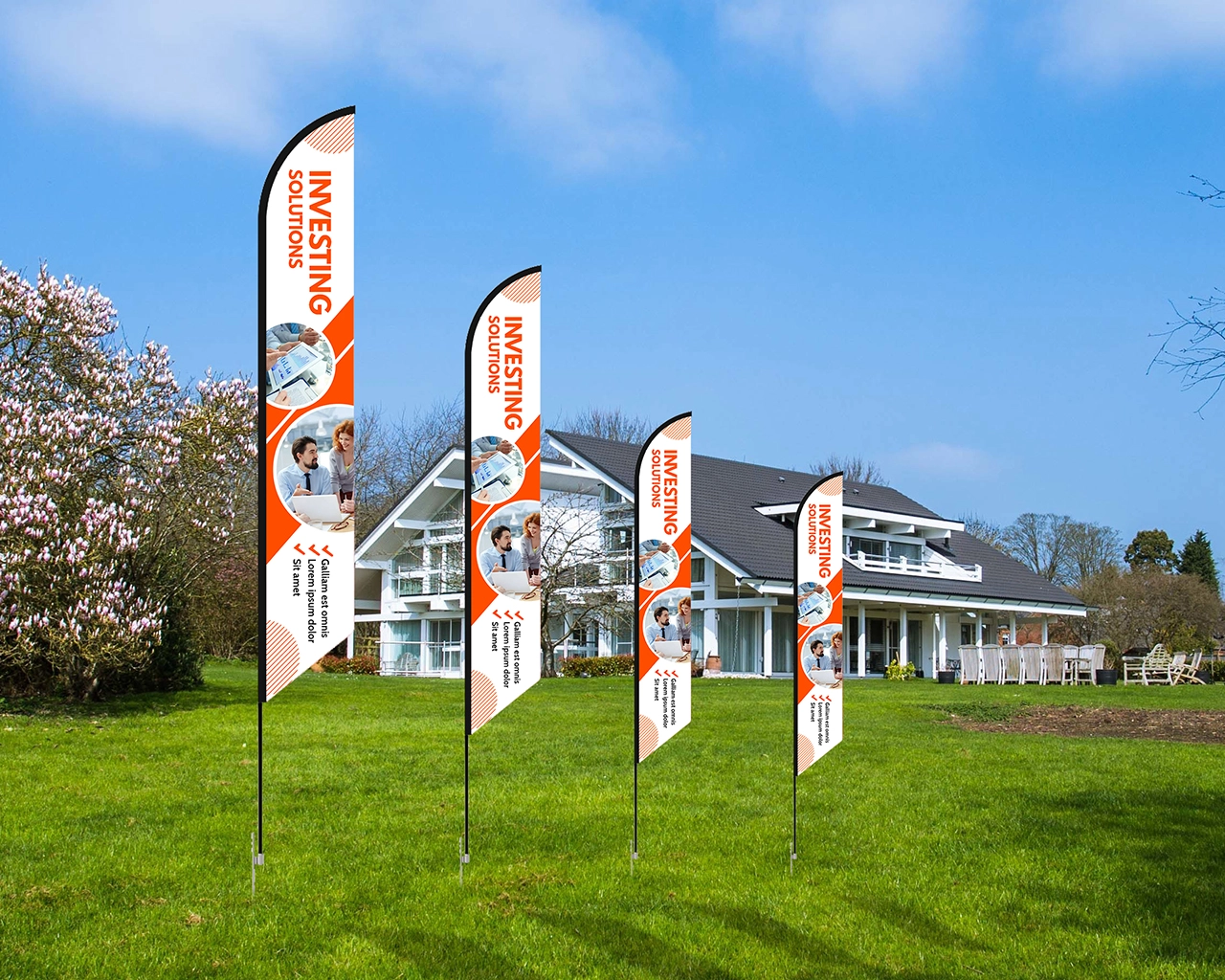
9ft Custom Feather Flag Double sided print template

PDF · Measure + fit tips

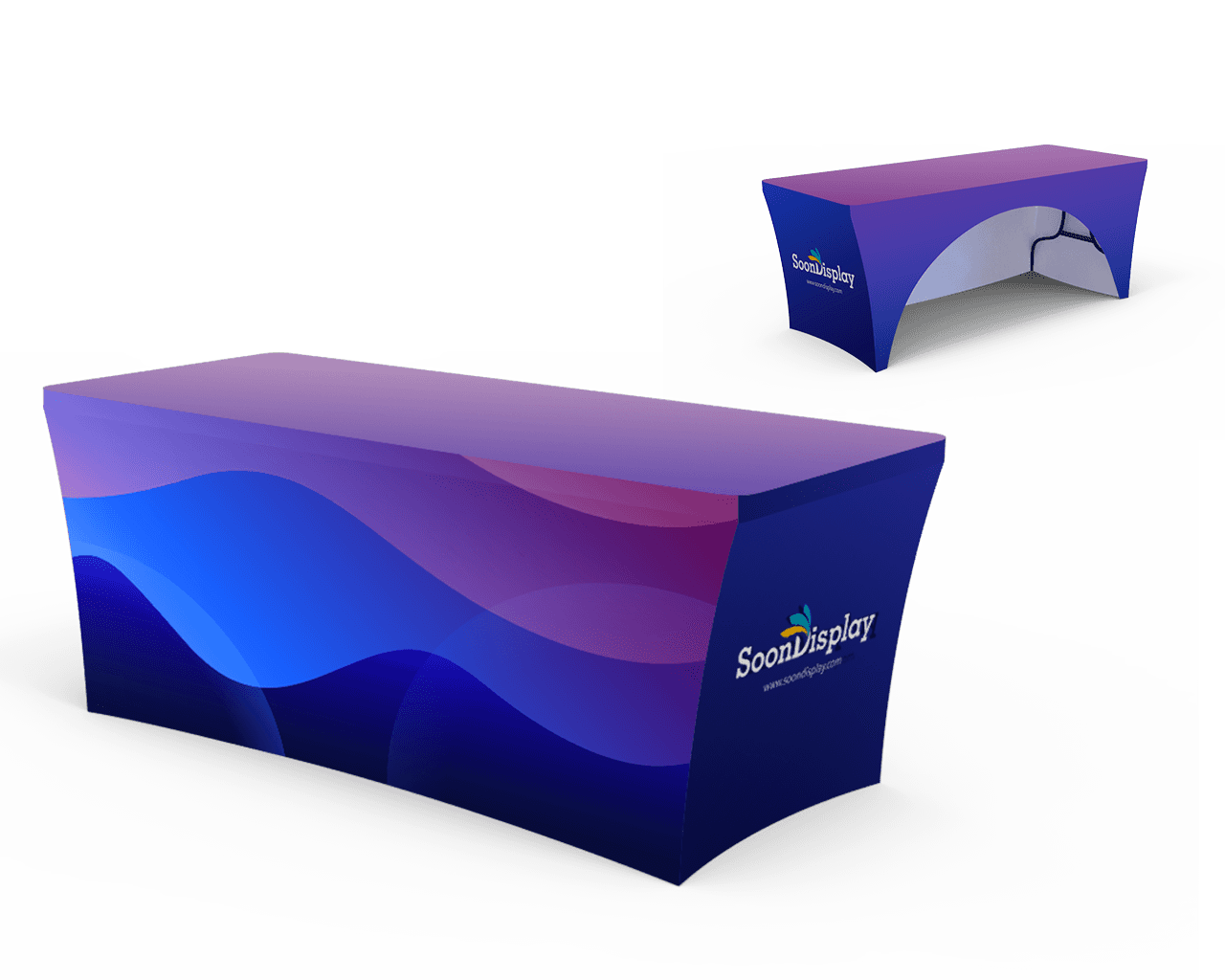
6ft Stretch Table Cover Open Back TEMPLATE

Al / PDF Safe area included

How to Use Templates

Three quick steps to avoid artwork delays.

1) Download the correct template

Match the product type and size. Use the safe area for key text.

2) Place your artwork

Keep logos/text inside the safe zone. Extend backgrounds to the bleed.

3) Export and upload

Save as PDF (print-ready) or Al/EPS. Upload at checkout or email us.

Text content

Name, slogan, website, phone, etc.

Size & deadline

Event date and needed delivery

Artwork Tips

No blog posts were found matching your condition.

Template FAQs

Quick answers before you download your template.

  • What file types do you accept?

    We accept AI, EPS, PDF, SVG, PSD, and high-resolution PNG/JPG files. For the best results, vector artwork is recommended.
  • What is bleed and safe area?

    Bleed is the extra background area that extends past the trim line. The safe area is the space where important text and logos should stay to avoid being cut off.
  • Can you help convert my file?

    Yes. Send us your file and our team will review it and recommend the best print-ready format.

Ready to Start?

Shop best-selling categories and place your order with proof approval.